Ever struggled to squeeze all your professional experience and skills onto your CV? It’s tough. LinkedIn gives you more free rein to showcase yourself and the key to using LinkedIn effectively is to make sure you're 'discoverable' to employers and agencies. Here’s how:
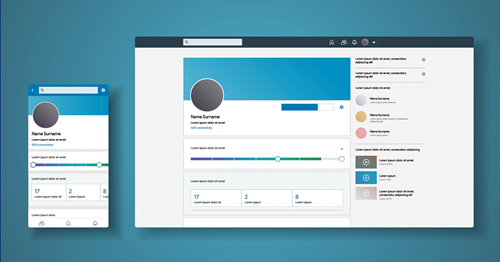
Pick a professional profile picture
You don’t need a headshot taken by a professional, but it does need to be professional. If you’re using an existing picture, ensure you’re appropriately dressed and the only person in the picture. If you're taking a new picture, ensure you’re in front of a blank wall, facing a natural light source, and always look directly at the camera and smile.
Create a compelling headline
Your LinkedIn headline is the most important part of your profile. It goes with you wherever you appear on LinkedIn – it’s essentially your shop window. Get specific and communicate who you are as a professional. If you’re currently unemployed, mention here that you are available to work immediately.
Get your skills endorsed
Skills on your profile can be validated by 1st-degree connections to reinforce their weighting, these are called skill endorsements. They will strengthen your profile overall and increase the likelihood that you'll be discovered for opportunities related to the skills you possess.
Understand your privacy settings
The privacy settings on LinkedIn are very different from other social networks and you have lots of different options to display all or limited information. For example, people will be notified if you visit their profile by default but you can disable this in your privacy settings so you can browse anonymously, but in exchange, you'll no longer be able to see who's looking at your profile.
Request connections – mindfully
You can start building your professional network right away by connecting with people you already know, but you can also request connections from people you don’t know who might be able to help you find job opportunities. When connecting with someone new, remember to always include a personalised message!
Need some advice to help boost your job search? Take a look at our latest blogs.